
Smart Glasses AI Assistant
A hands-free way for frontline teams to check, verify and get answers on the job – connected to the procedures and systems each site already runs on.
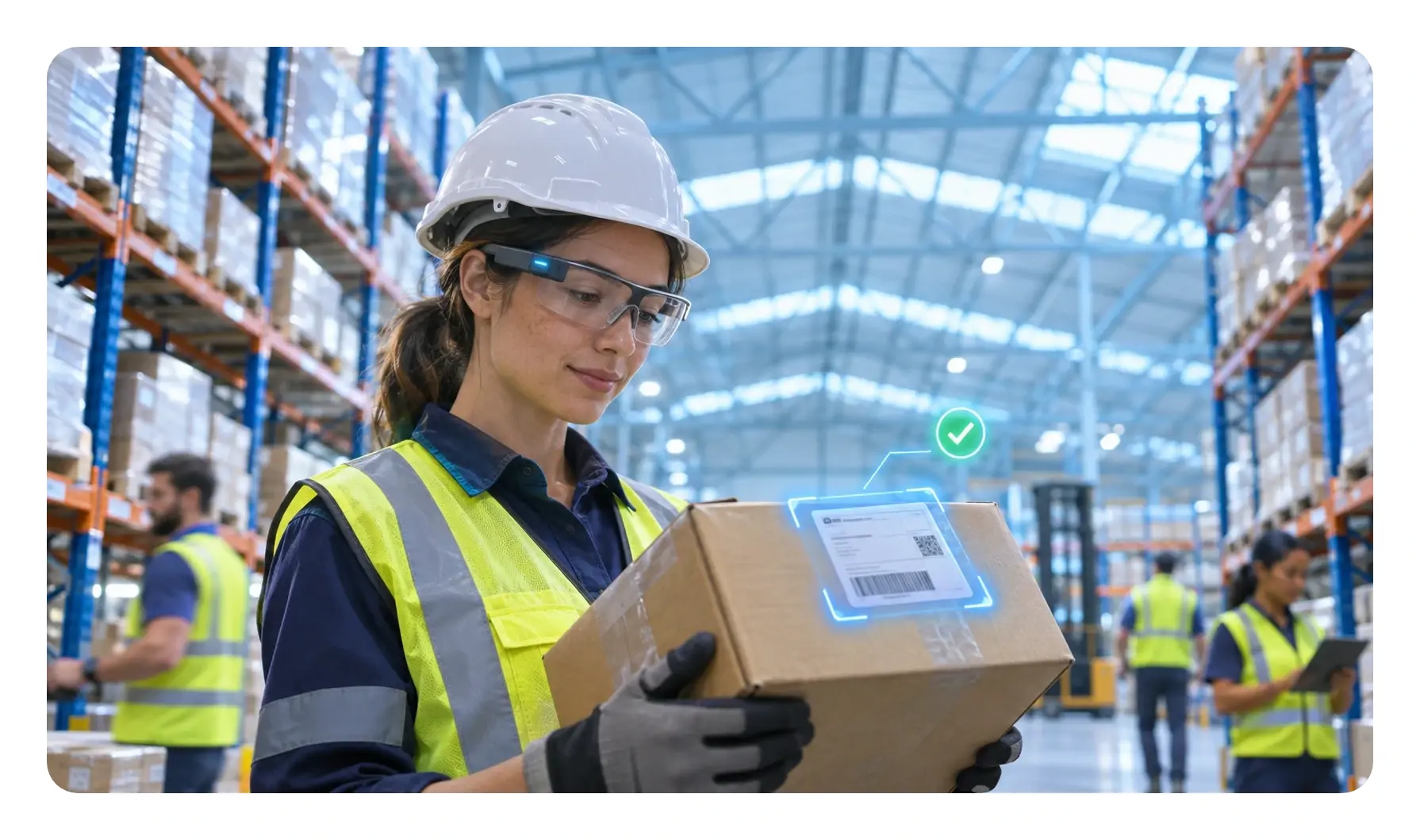
Frontline guidance, right where the work happens
On warehouse floors, production lines and service sites, frontline workers often check labels by eye, stop to pick up a handheld scanner, or search through manuals to confirm the next step. Each pause slows the job down, and each manual check is a chance for an error to slip through.
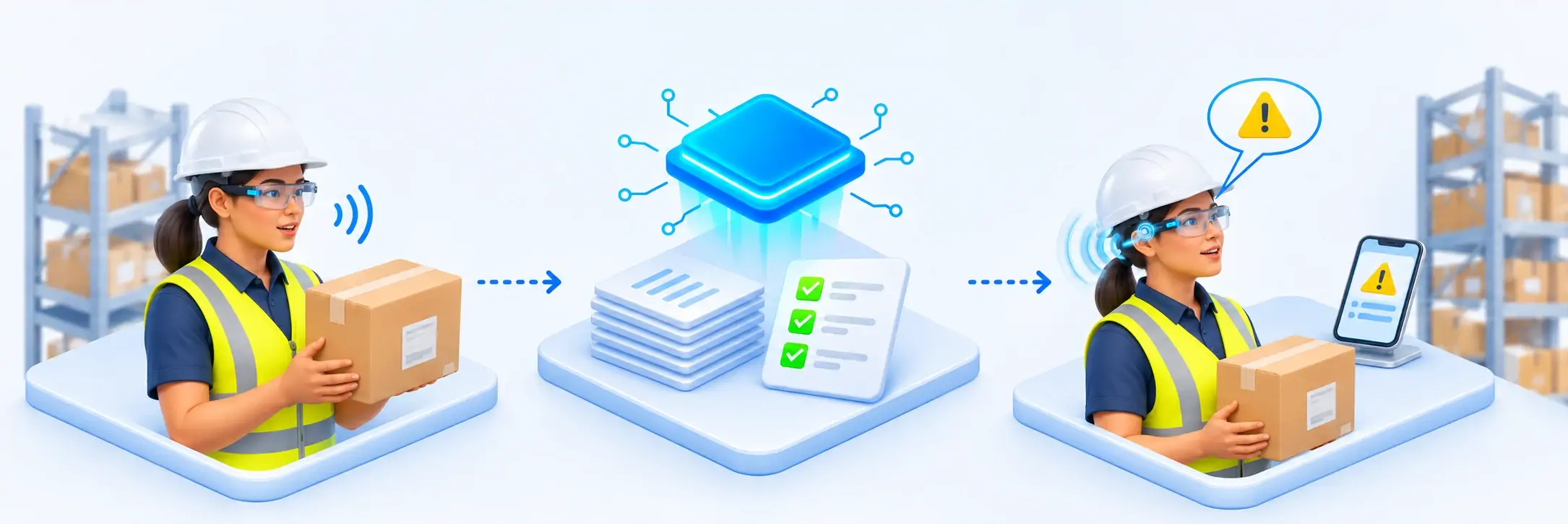
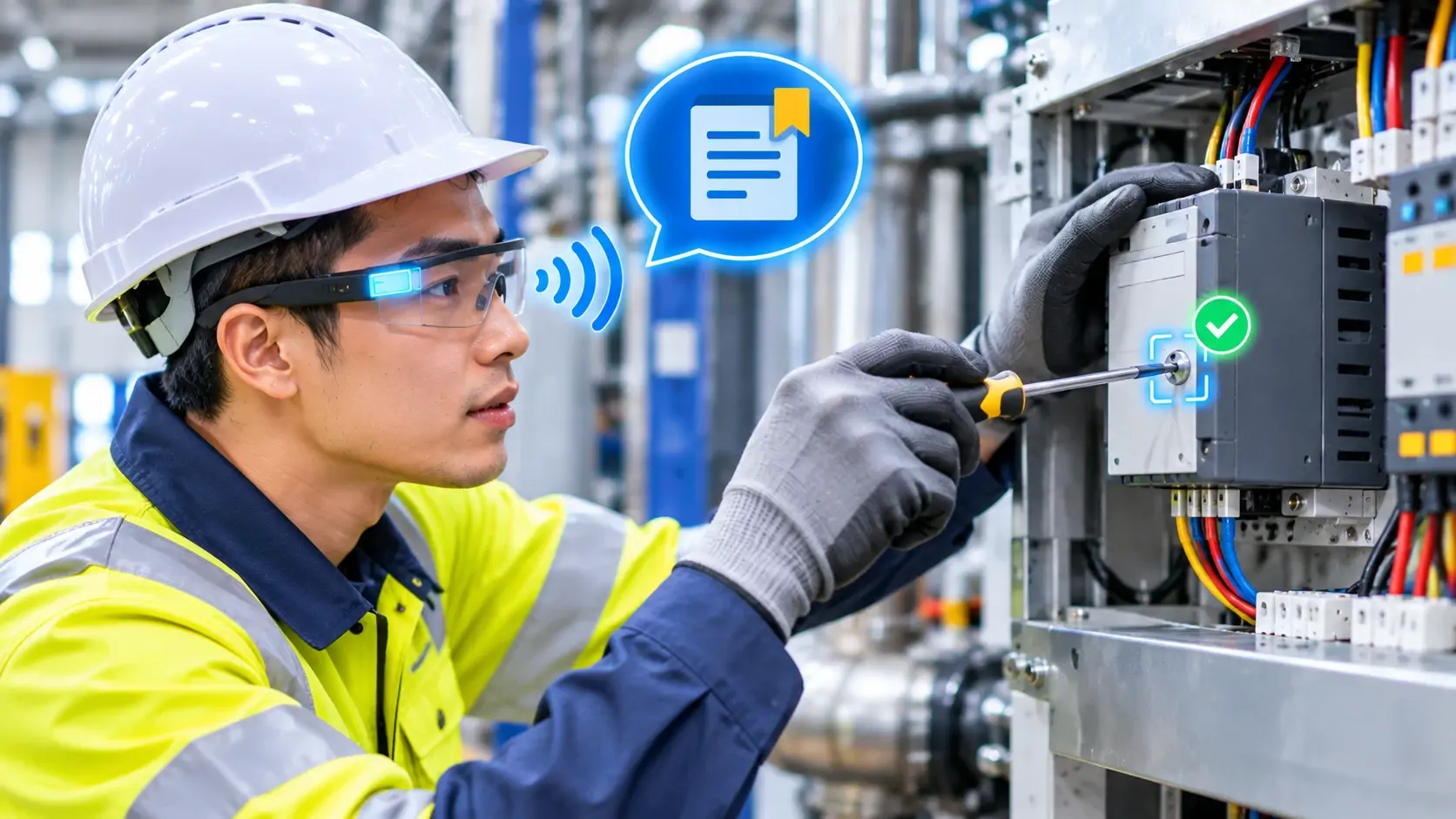
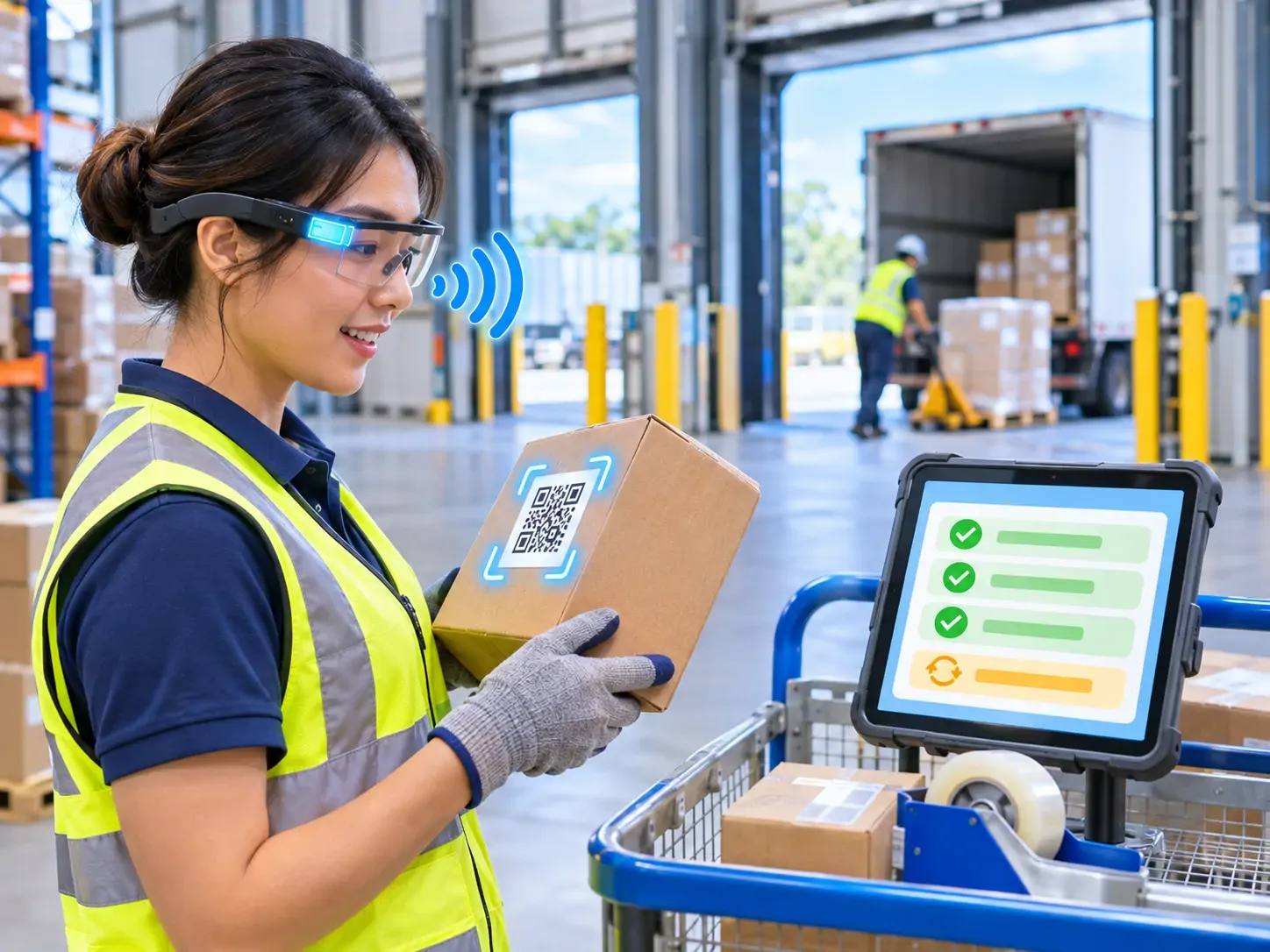
Smart Glasses AI Assistant gives these teams a hands-free way to work. Workers show an item or ask a question through the glasses' camera and microphone, and hear answers drawn from the company's own documents and procedures. Before anything is recorded, the assistant checks it against connected business systems and asks the worker to confirm. Results also appear in a companion app on a phone or tablet.
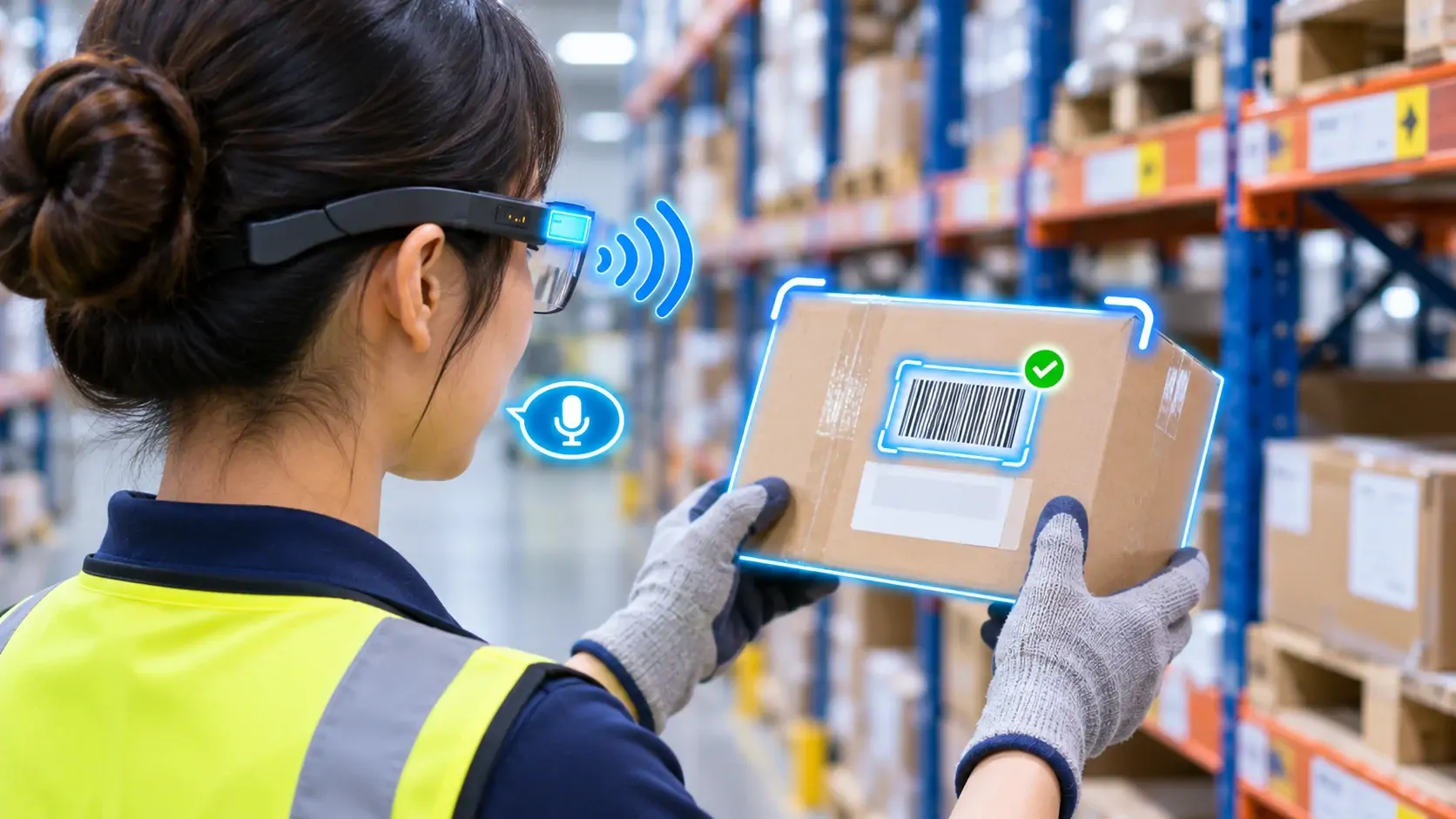
Recognises products, labels, codes and equipment through the glasses' camera
Answers plain-language questions by voice, drawing on your own documents and SOPs, with the source cited
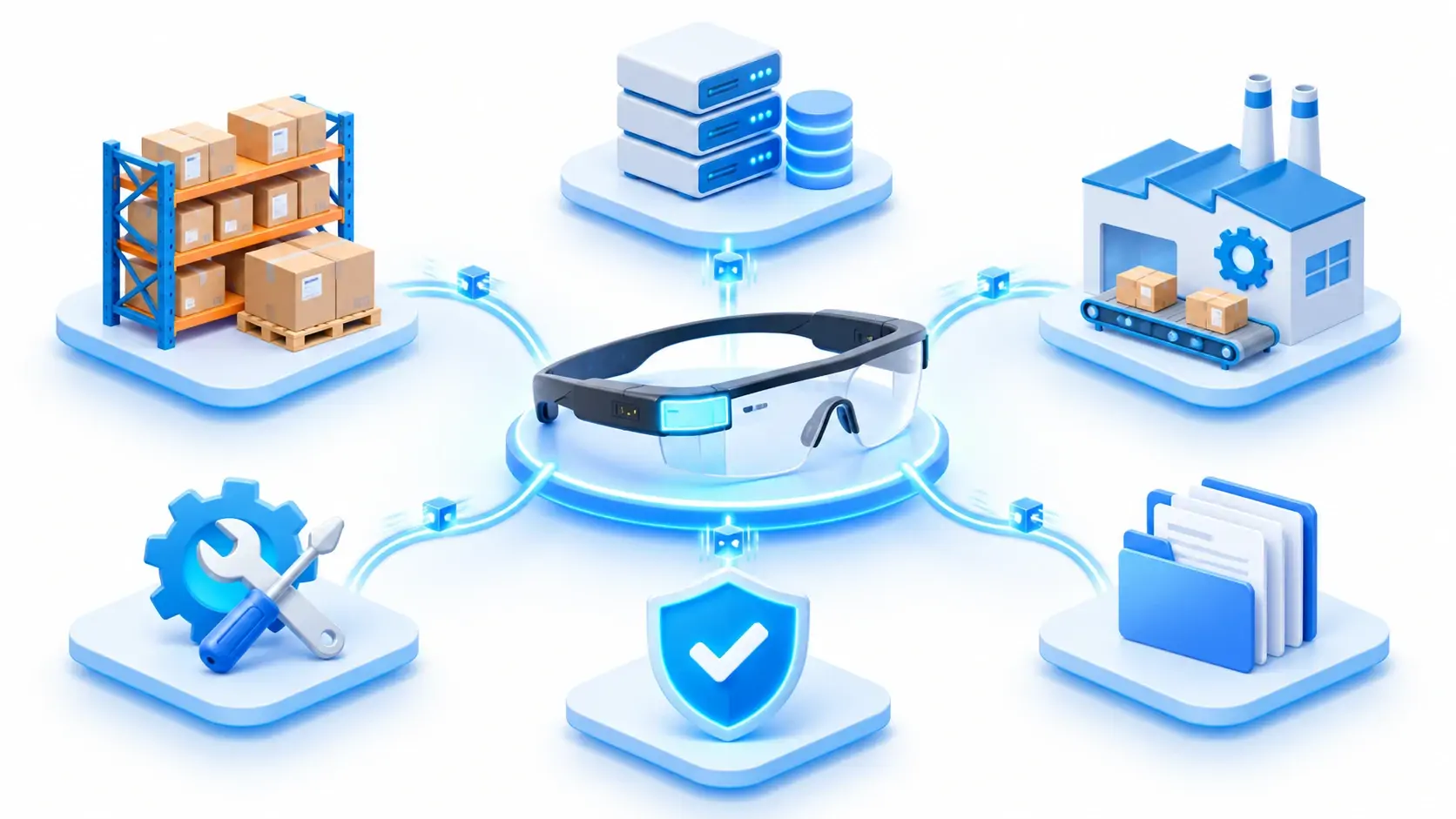
Connects to WMS, ERP, MES and CMMS to check live data and update records
Configured for each site's equipment, labels and workflow rules
Runs on smart glasses that support an open SDK, with an optional on-site edge device for sites with weak connectivity
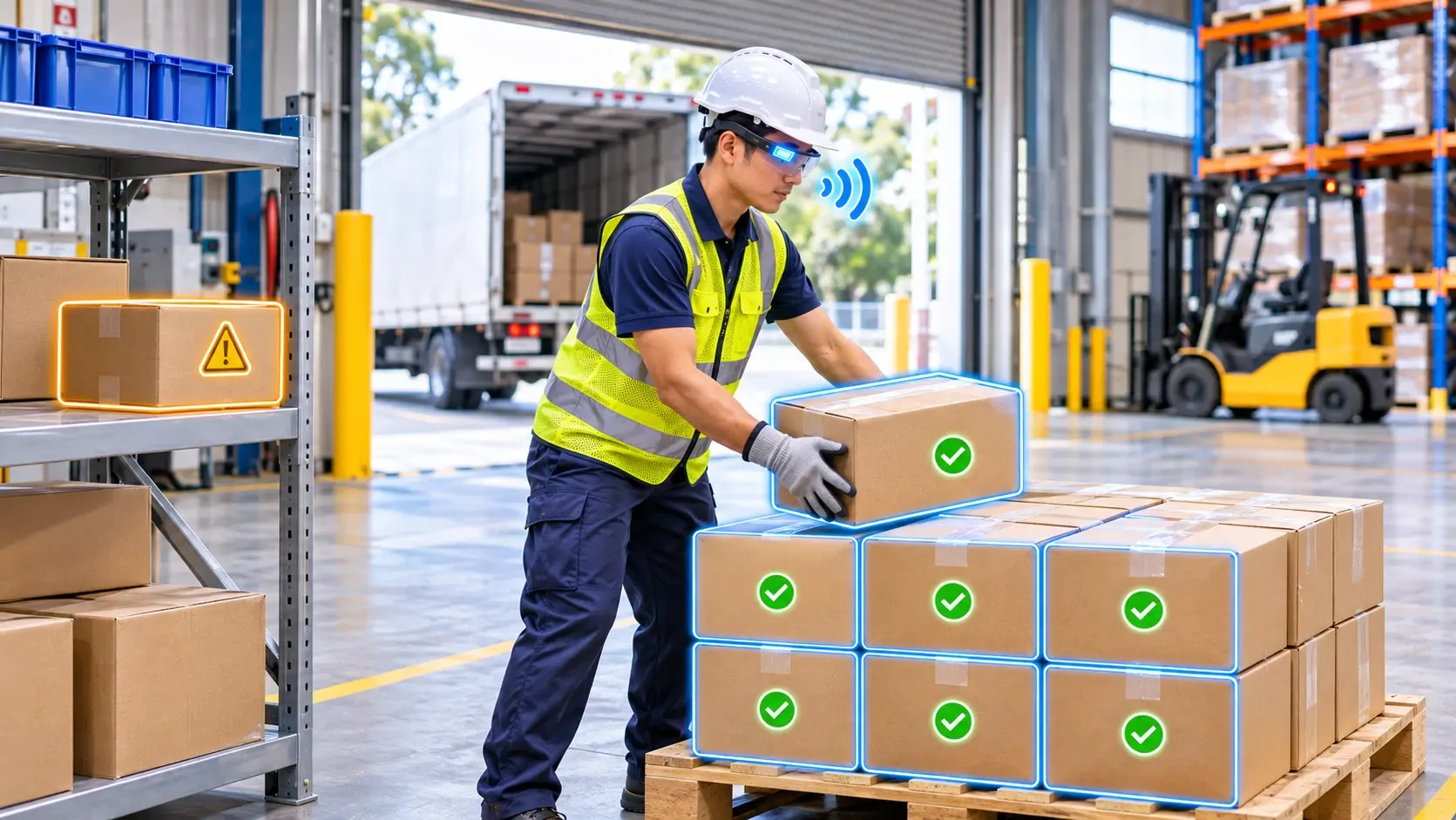
Catch mismatched products, quantities and labels before they reach dispatch or production
Keep workers' hands on the task instead of on scanners, screens and manuals
Give every shift and site the same step-by-step guidance from the same SOP
Answer questions on the spot from your own documents, instead of waiting for an expert
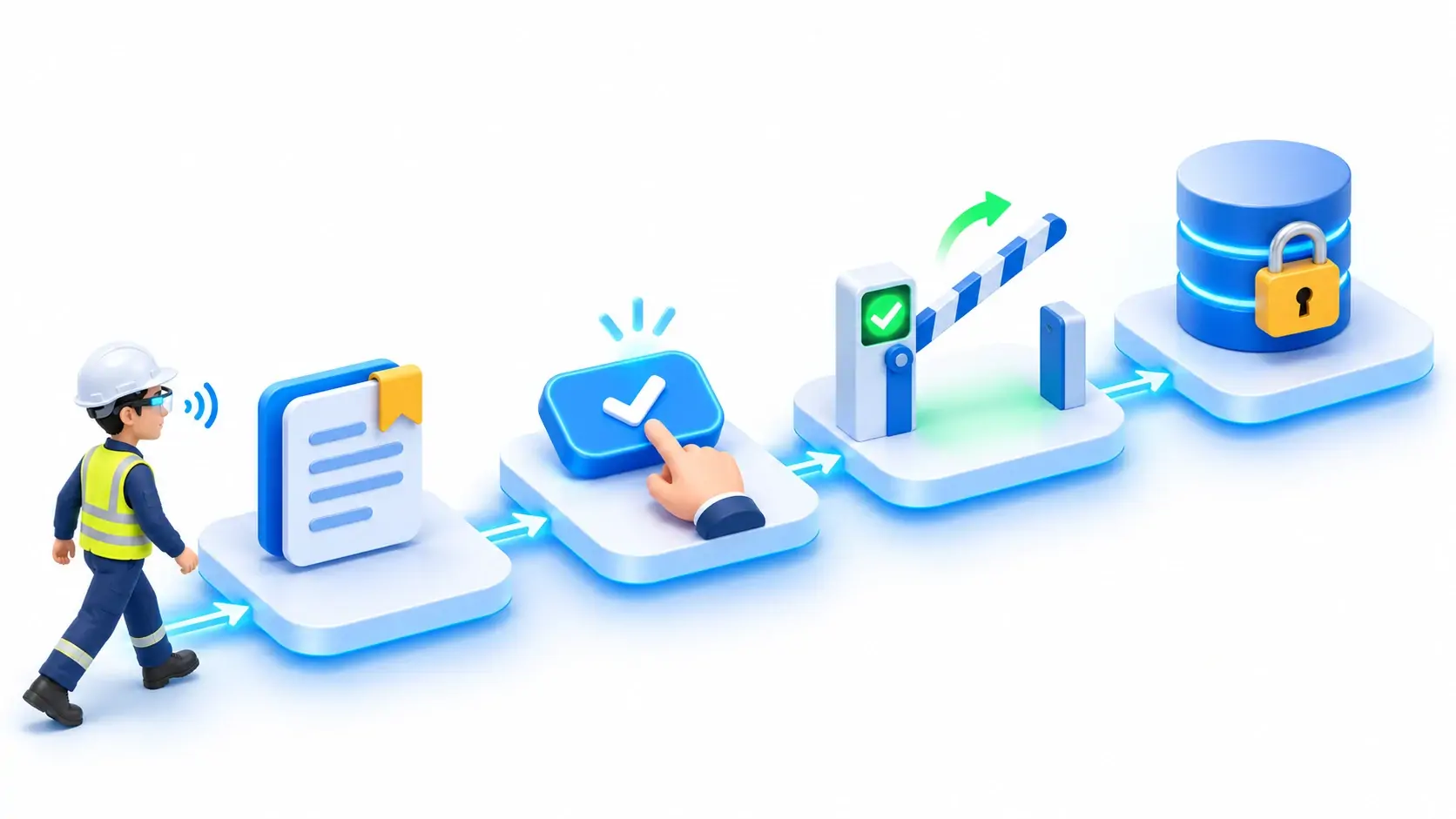
Keep every data update under control: confirmed by the worker, written once and traceable
Where It Fits
Smart Glasses AI Assistant fits environments where people need both hands for the job, conditions change from site to site, and every check has to match what is in the system.
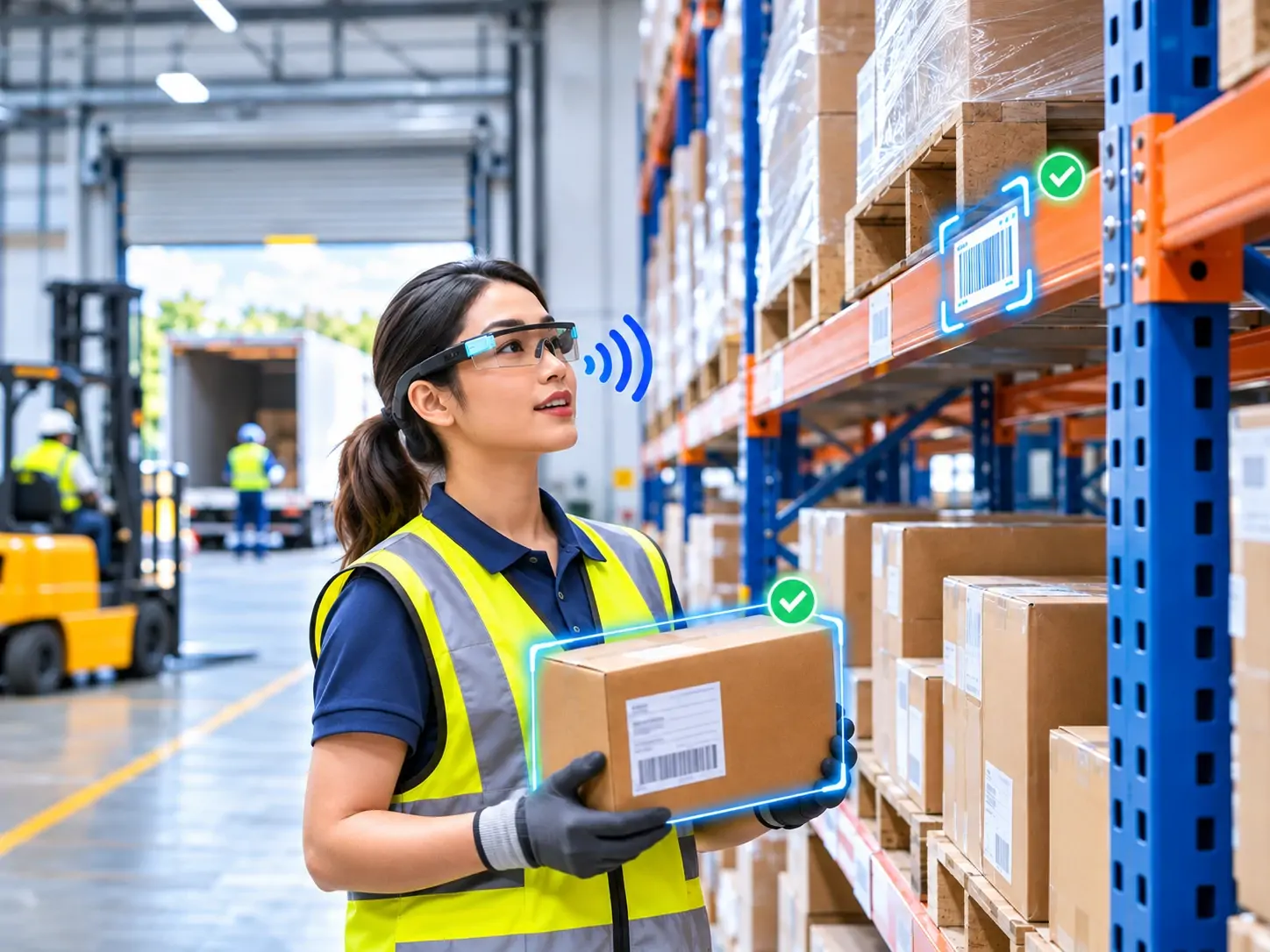
Warehouses and Distribution Centres
During picking, packing and dispatch, workers scan products and labels through the glasses, check stock and shelf location by voice, and compare each label with the order in the WMS before it is marked ready.
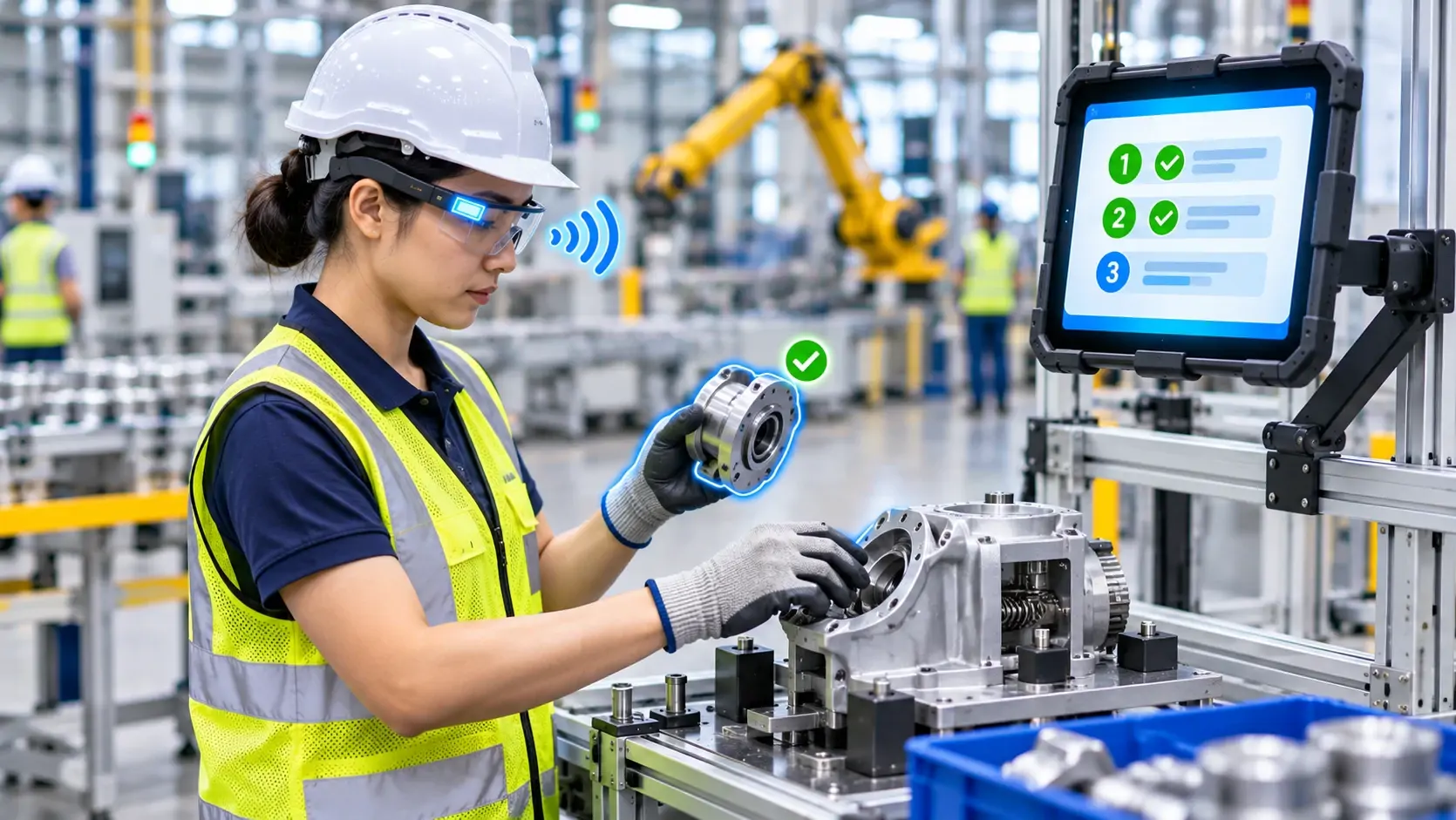
Production Floors and Assembly Lines
On the line, the assistant recognises the parts and equipment in front of the operator, talks them through work instructions step by step, and confirms each step is complete before the next one starts.
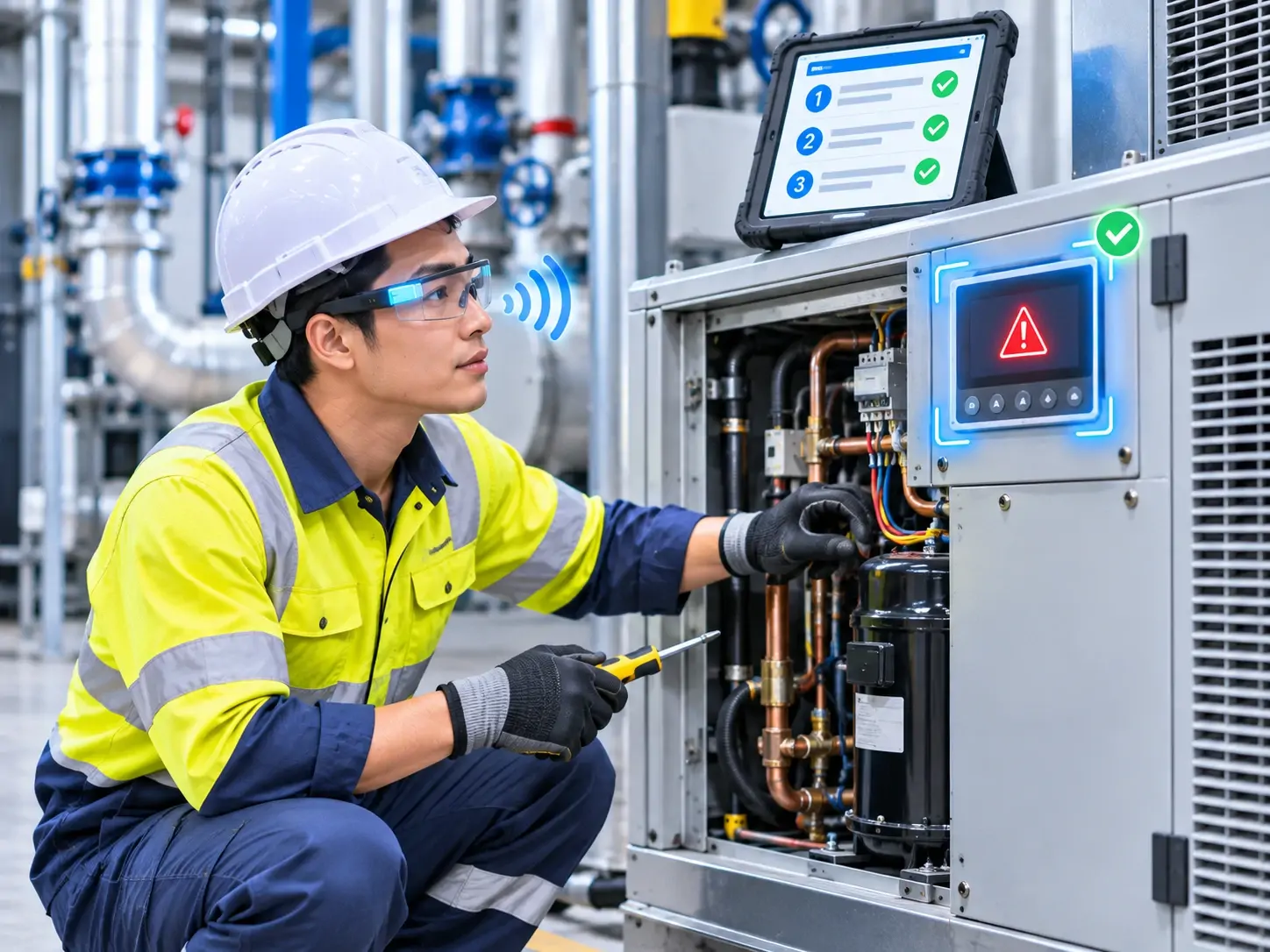
On-Site Service and Equipment Maintenance
Technicians identify the equipment in front of them, look up error codes and manuals by voice, and follow repair steps without putting down their tools, with each job logged for compliance.
What Changes on the Ground
When checks and guidance move to the worker's point of view, everyday operations become more accurate, more consistent and easier to run.
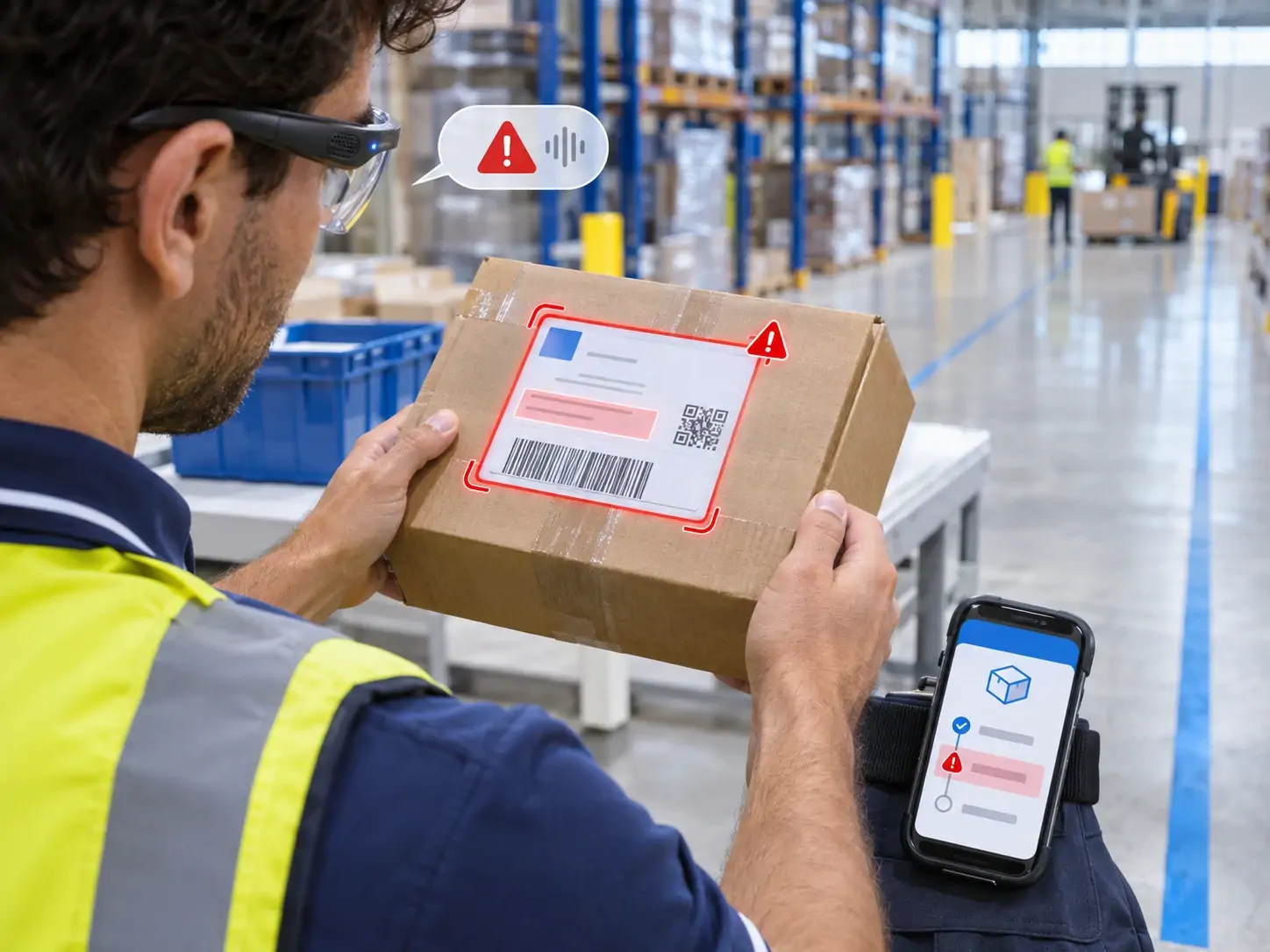
Errors Caught Before They Become Rework
Products, quantities and labels are checked against the order as the worker handles them. A mismatch holds the task until it is re-checked, so a wrong item or destination does not reach dispatch or the next step of production.
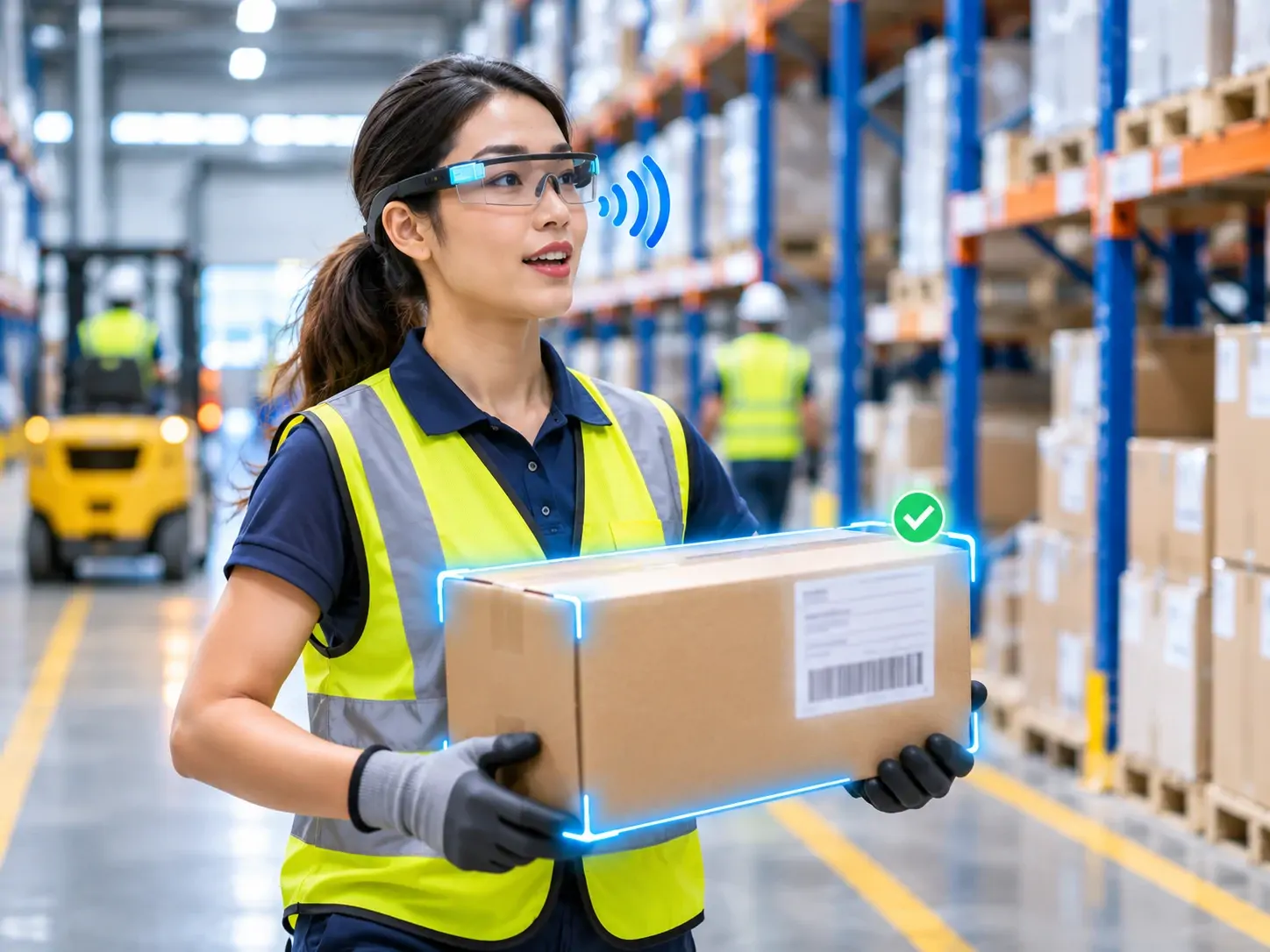
More Time Spent on the Task Itself
Workers get answers, stock levels and next steps by voice, without stopping to find a scanner, open a manual or walk to a terminal. Less searching and device handling means the work keeps moving.
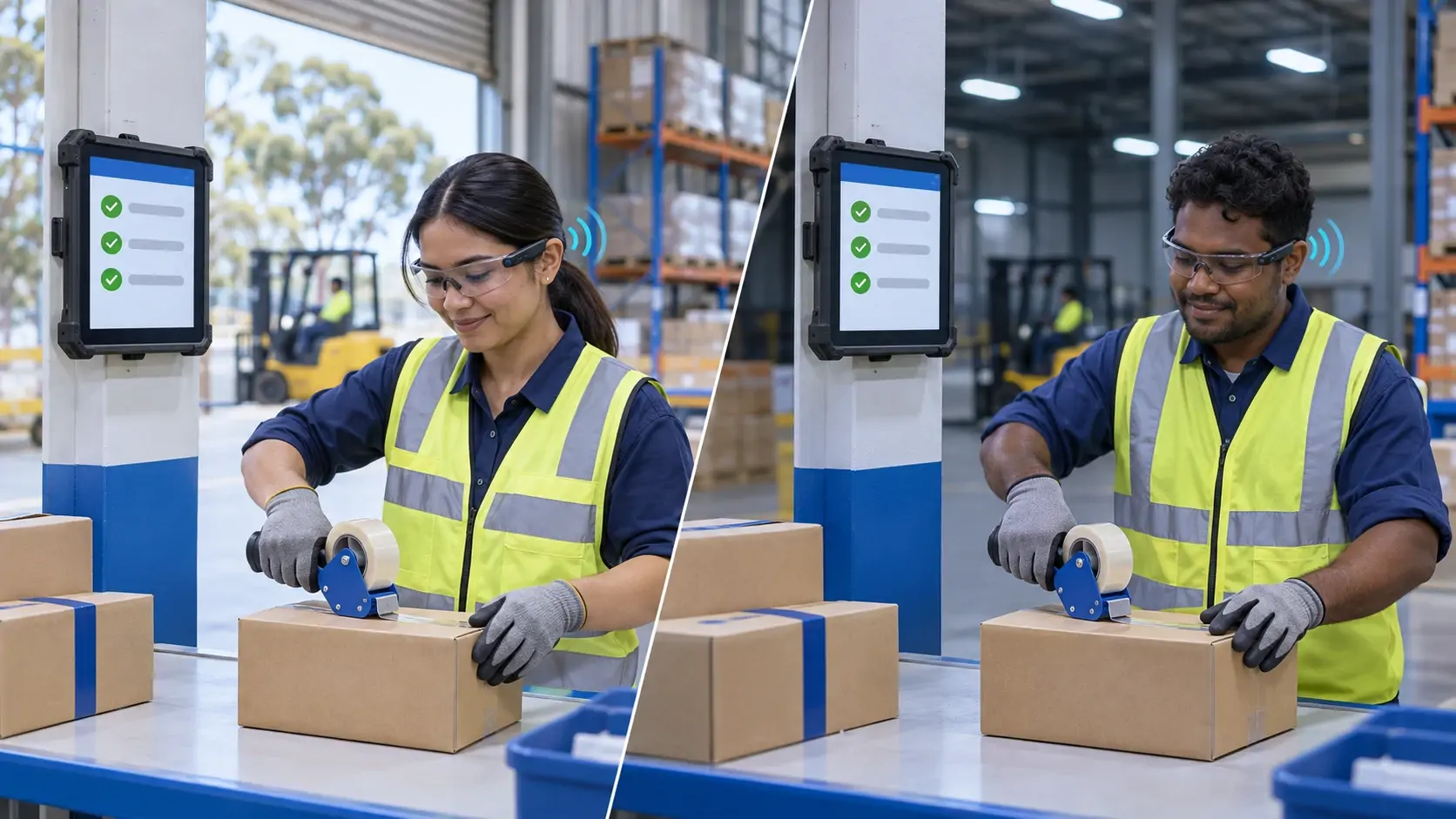
The Same Standard on Every Shift and Site
Every worker follows the same SOP steps and the same checks, and every confirmed update is recorded once with its history. Supervisors get consistent execution and a clear record of what was checked.
What Your Teams Can Do
Three core capabilities work together on the glasses, backed by system connections and controls that keep answers grounded and data changes in check.
See and Verify What's in Front of Them
Through the glasses' camera, the assistant recognises parts, products and equipment. It reads labels and codes and spots defects, so workers can confirm the right item before they act.
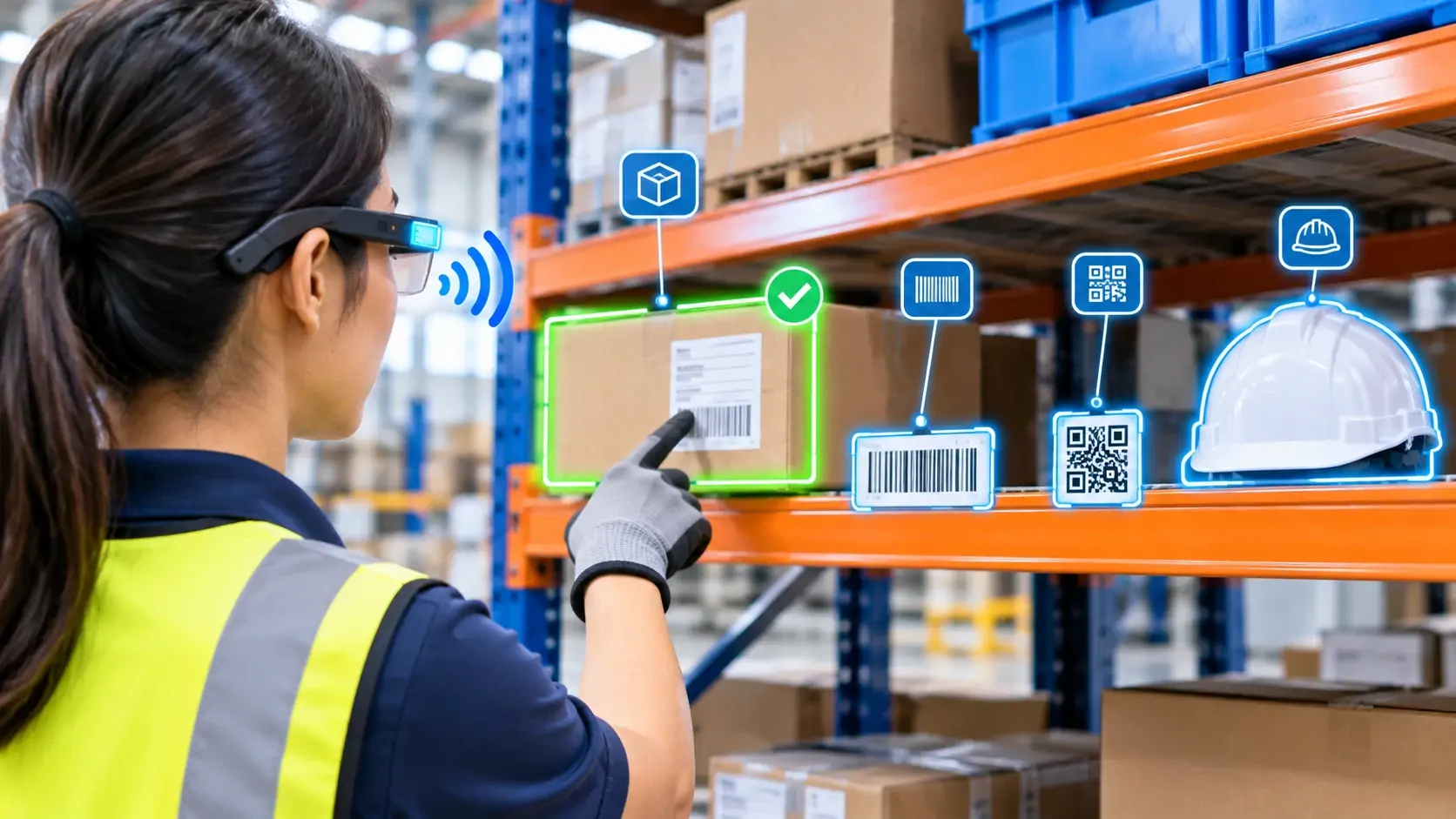
Ask and Act by Voice
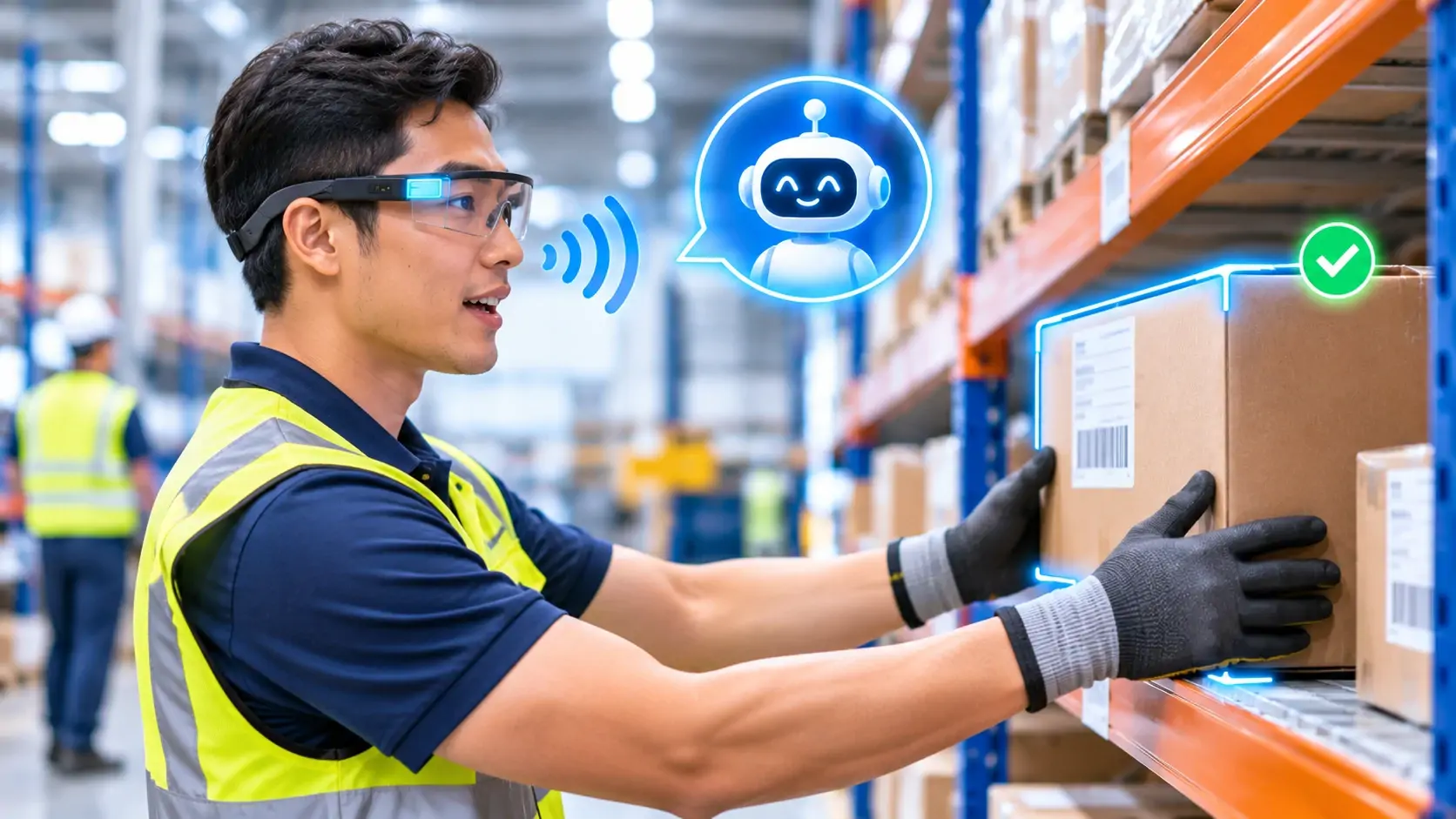
Get Answers That Fit the Task
Check and Update Connected Systems
Stay in Control with Built-in Guardrails
Built Around the Systems and Sites You Already Run
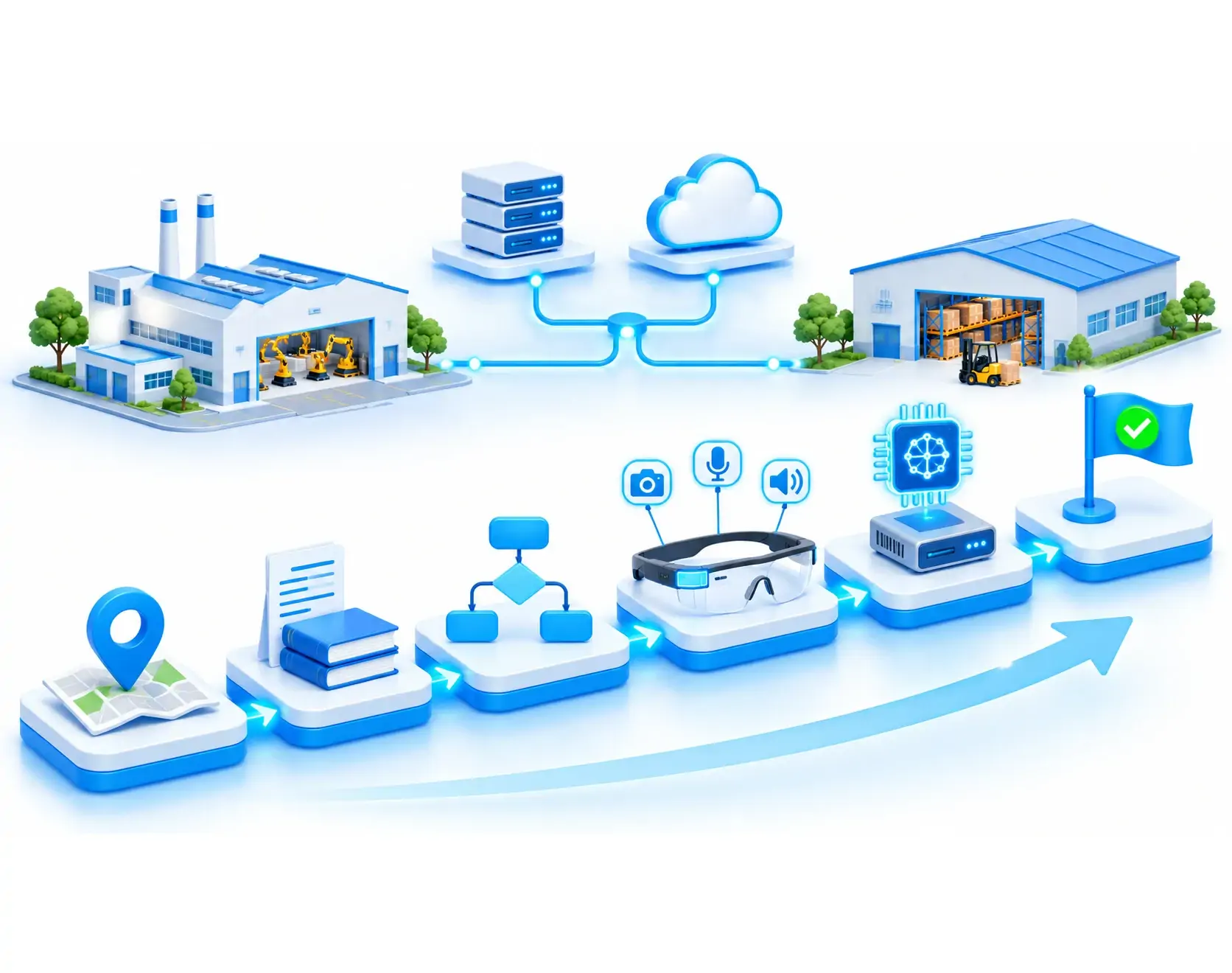
Each deployment is configured around the site's products, procedures and devices, then connected to the systems already in place.
Six steps to go live:
Site Profile: scenario, users and devices
Data & Knowledge: catalogue, SOPs and documents
Workflow: checks, rules and confirmations
Glasses Setup: camera, microphone and speaker
AI Runtime: AI engine, validated by a proof of concept
Go Live: release to frontline teams
Connects with:
ERP, CRM, WMS, MES, CMMS and document repositories. Suited to factories, warehouses and sites with limited connectivity.
Designed to Fit Your Business Context
No two sites share the same equipment, labels, procedures or systems. Smart Glasses AI Assistant is configured to match how each site already works, not the other way round.
How it adapts:
Your equipment and labels: Recognition can be trained on site-specific items, such as a customer's own parts, equipment and labels.
Your procedures: Each SOP's steps, checks and confirmation points are set up as workflow rules for that site.
Your systems: The assistant connects to the WMS, ERP, MES or CMMS already in use.
Your infrastructure: It runs on smart glasses with an open SDK, with an optional on-site edge device where connectivity is weak or data must stay on-site.
Your level of control: You decide which actions need confirmation and which checks must pass before a task can move on.
The worker scans the package QR code to pull up order details. Each label field is compared with the order in the WMS. A mismatch blocks Ready for Dispatch until it is re-checked, and the status is saved once, only after the worker confirms.

Contact Us
For any questions, support requests or partnership opportunities, please reach out to us via: