
Custom AI Agent Development: Build Governed Enterprise Agents Faster

Jun 19, 2026



AI adoption is advancing faster than many organisations can govern it. In April 2026, APRA warned that governance, assurance, risk management and operational resilience practices were not keeping pace with AI adoption across regulated financial organisations [1].
The challenge is becoming more urgent as adoption expands. In June 2025, 41% of Australian small and medium enterprises reported using AI. However, adopting AI tools does not automatically create a reliable, secure or accountable operating capability [2].
Custom AI agent development offers a practical way forward. Unlike tools that only generate content, an AI agent can retrieve enterprise information, assess a task, use authorised systems and complete defined actions within established controls. This article explains how to build an AI agent, where AI agent integration can improve enterprise workflows, and which governance controls are required for reliable deployment.
A custom AI agent is designed around a specific business goal, workflow and operating environment. It combines several components:
- An AI model for interpreting information and selecting actions
- Enterprise knowledge supplied through RAG or GraphRAG
- Memory or workflow state
- Tools that connect to applications and data
- Rules defining permitted actions
- Human approval and escalation controls
- Monitoring and audit records
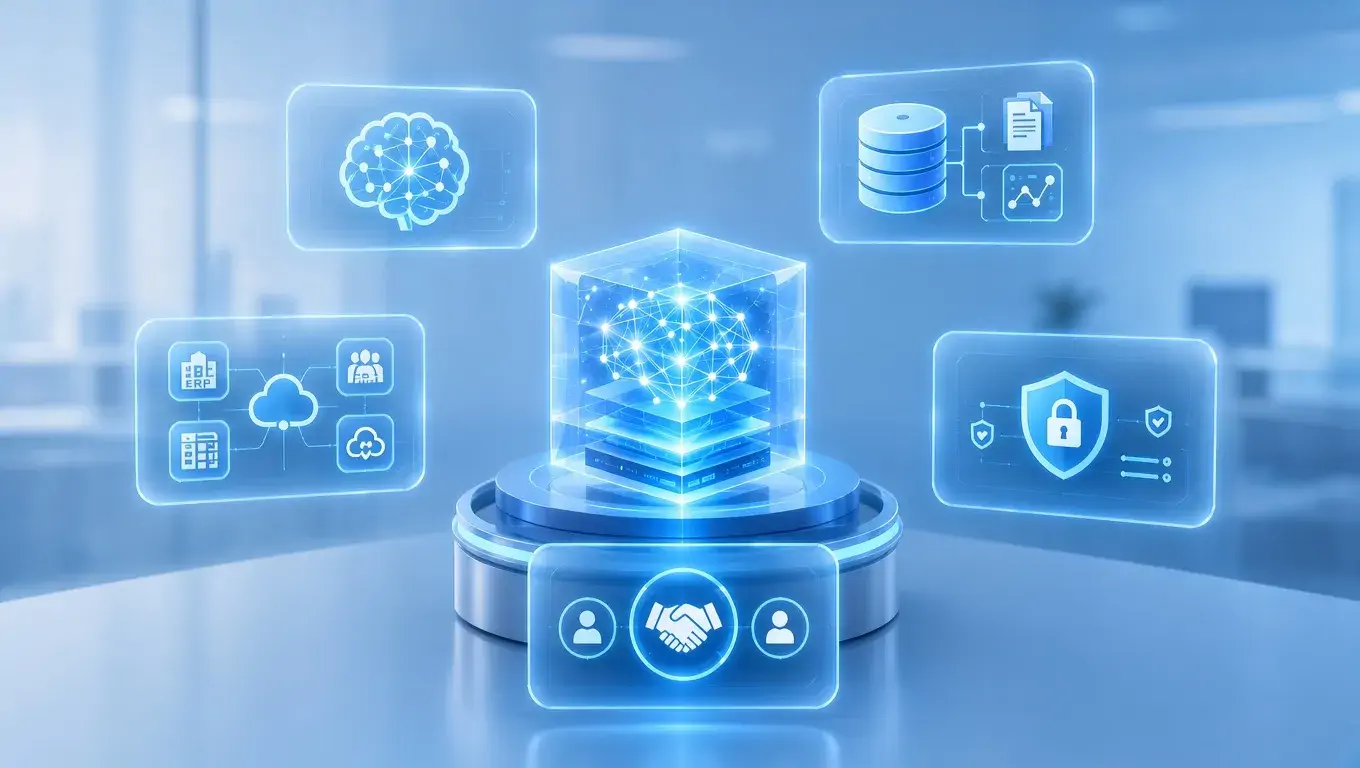
This separates an agent from a conventional chatbot. A chatbot primarily responds to questions. An agent can work towards an outcome, such as investigating an invoice discrepancy, assembling the supporting records and sending an exception to an authorised employee.
KPS’s AI-native platform provides a visual agent builder, enterprise integration, RAG and GraphRAG, role-based access control, guardrails and flexible deployment options. These capabilities simplify AI agent integration with existing business systems, allowing standard workflows to be configured without constructing the orchestration layer from the ground up.
The strongest candidates are workflows that combine unstructured information, repeated judgement, multiple systems and frequent exceptions.
Area | Suitable agent workflow | Required control |
Finance operations | Invoice verification, reconciliation and exception handling | Approval thresholds and audit records |
Insurance and banking | Document intake, claims support and compliance checks | Data controls and accountable human review |
Healthcare administration | Intake, scheduling and approved knowledge access | Privacy and clinical governance boundaries |
Retail and distribution | Order exceptions, supplier queries and service coordination | Reliable ERP and CRM integration |
Manufacturing | Work orders, maintenance coordination and incident reporting | Operational permissions and escalation |
Professional services | Research, document review and internal knowledge retrieval | Confidentiality and source validation |
An AI agent is not necessary for every process. Stable workflows with fixed inputs and predictable decisions are often better served by APIs, business rules or robotic process automation. Agentic architecture is most valuable when context and exceptions make rigid automation difficult.
Healthcare illustrates the importance of this distinction. Australian guidance recognises AI’s role in clinical and administrative tasks but emphasises safe integration, appropriate oversight and clinical governance [3]. Administrative agents can reduce coordination work without being given authority over clinical decisions.
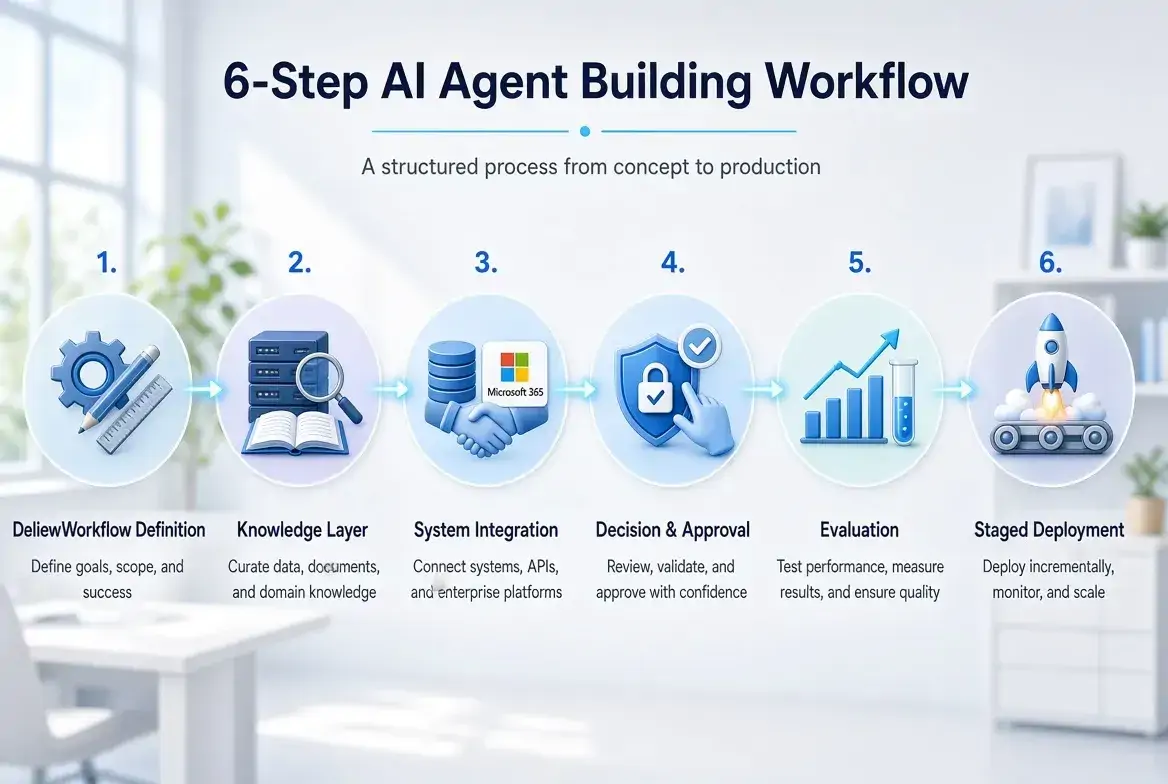
1. Define the Workflow and Acceptance Criteria
Map the workflow from trigger to completion, including required inputs, decision points, participating systems, exception paths and the responsible business owner. Set measurable acceptance criteria for task completion, processing time, error rate, escalation rate and cost per completed task.
2. Configure the Knowledge Layer
Select the policies, procedures and business records the agent is permitted to retrieve. Configure RAG or GraphRAG where enterprise knowledge retrieval is required, then assign metadata for document ownership, version, classification and access group. Define how new content is indexed and superseded information is removed.
3. Connect Enterprise Systems and Set Permissions
Connect the agent to the required ERP, CRM, Microsoft 365 application, database or internal API. For each integration, define the authentication method, accessible records, permitted read and write operations, input and output schemas, timeout limits, retry rules and rollback behaviour. Actions outside the agent’s assigned permissions should be blocked or routed for approval [4].
4. Configure Agent Decisions and Human Approval
Define when the agent may recommend, execute, stop or escalate an action. Use deterministic rules for financial thresholds, restricted records and irreversible operations. Actions exceeding defined risk, value or confidence thresholds should require human approval, with the request, decision, approver and execution result recorded in the audit trail.
5. Evaluate the End-to-End Workflow
Test normal tasks alongside missing data, conflicting records, unavailable systems, invalid tool parameters and unauthorised requests. Measure task completion, retrieval accuracy, tool selection, parameter accuracy, escalation behaviour, latency and execution cost. Add failed cases to the regression test set before the next release.
6. Deploy Through Controlled Stages
Move the agent through offline evaluation → sandbox testing → security validation → shadow mode → controlled pilot → production gate → production monitoring. In shadow mode, the agent processes live workflow inputs without executing production actions. Production release should require verified acceptance criteria, security controls and rollback procedures, followed by continuous monitoring of failures, escalations, latency and cost [5].
Agentic AI governance should define what the agent may access, decide, change and retain. It should also assign responsibility for approving the use case, reviewing performance and responding to failures.
For Australian organisations, privacy controls must cover both information entered into an AI system and personal information produced in its outputs. The Office of the Australian Information Commissioner recommends due diligence, privacy-by-design, appropriate human oversight and ongoing review rather than a “set and forget” approach [6].
A production governance model should include:
Role-based access and agent identities
Data classification and retention rules
Guardrails for prohibited actions
Human approval thresholds
Traceable tool calls and decisions
Performance, security and cost monitoring
Incident response and rollback ownership
KPS’s AI-native platform brings these controls into the agent development environment. Enterprises can build and manage agents through visual workflows, connect them to approved business data and systems, and apply knowledge retrieval, guardrails, audit trails and role-based access controls. The platform supports cloud, on-premises and hybrid deployment options to align with different infrastructure and data requirements.
Australia’s National AI Centre distinguishes organisation-wide governance, such as AI policies, from controls applied to each use case, such as testing and risk assessment[8]. An AI-native platform should support both levels without assuming that common platform controls make every agent equally safe.
Final Thought
Custom AI agent development should begin with a measurable workflow, controlled system access and clear operational ownership. An AI-native platform gives enterprises a structured environment for configuring agents, connecting business systems and applying governance controls.
KPS can help organisations assess a suitable workflow, define its integration and governance requirements, and determine whether it is ready for an AI agent pilot.
What is custom AI agent development?
It is the design of an AI agent around a specific workflow, data environment, system landscape and authority model. It includes knowledge retrieval, tool integration, governance, testing and production monitoring.
How does AI agent integration work?
The agent accesses approved enterprise functions through controlled tools, APIs or connectors. Each integration should enforce authentication, permissions, validation, timeouts, audit records and failure handling outside the AI model.
What does agentic AI governance cover?
It defines the agent’s access, autonomy, data use, approvals, monitoring and accountability. Governance must operate at both the enterprise-policy level and the individual agent-use-case level.
References
[1] Australian Prudential Regulation Authority, “APRA Letter to Industry on Artificial Intelligence (AI)”, 30 April 2026.
[2] Senator the Hon Tim Ayres, “Australian AI Adoption Tracker report shows business harnessing AI”, 4 June 2025.
[3] Australian Commission on Safety and Quality in Health Care, “Digital health”, updated 30 April 2026.
[4] OWASP Foundation, “AI Agent Security Cheat Sheet”, accessed 15 September 2026.
[5] National Institute of Standards and Technology, “AI Risk Management Framework Core”, January 2023.
[6] Office of the Australian Information Commissioner, “Guidance on privacy and the use of commercially available AI products”, published 21 October 2024, updated 17 January 2025.
[7] National AI Centre, “Guidance for AI Adoption: Foundations”, October 2025.


Table of content

Related Insights
Employee Training and Development for Workforce Capability
Explore how enterprises can connect employee training, coaching and skills development to build workforce capability at scale....
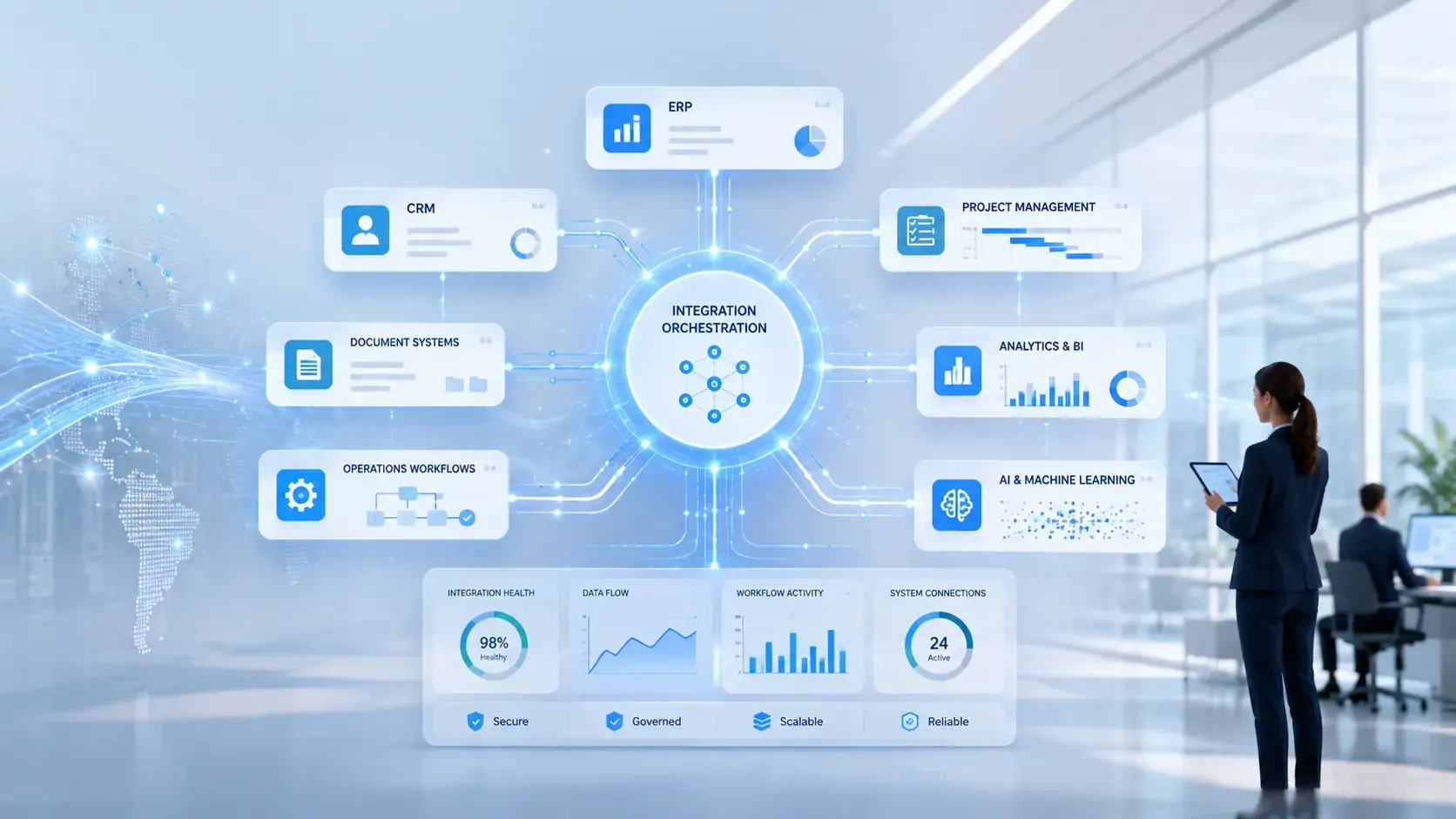
System Integration Solutions for Connected Operations
Discover how system integration solutions connect enterprise data, workflows and AI with existing systems to reduce fragmentation and improve operational visibility....

AI in Physical Security: Smarter Security for Australian Enterprises
Explore how AI in physical security transforms CCTV into intelligent monitoring with real-time threat detection, video analytics and smarter security for Australian enterprises....

Let’s build what’s next for your business
Tell us about your business challenges, we’ll help you shape the right solution.

